
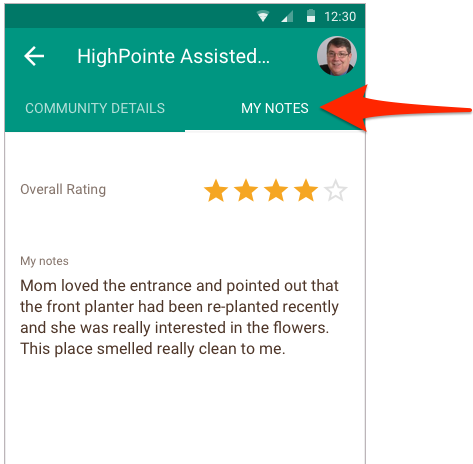
With the Senior Living Finder app, you can take notes and rate each of your referred communities. To leave a note:
- Tap on one of your referred communities.
- Tap on the "My Notes" tab on the top of the screen.
- Tap on either the ratings or notes section to edit.
- Update the ratings or notes.
- Click "save".
Your notes are accessible from the "My Notes" section that can be accessed from the app menu.
Comments
0 comments
Please sign in to leave a comment.